Microsoft Office 2007
Microsoft Office 2007 Free Download for PC Windows 7/10/8, 32/64-bit introducing the new versions of Word, Excel, and PowerPoint

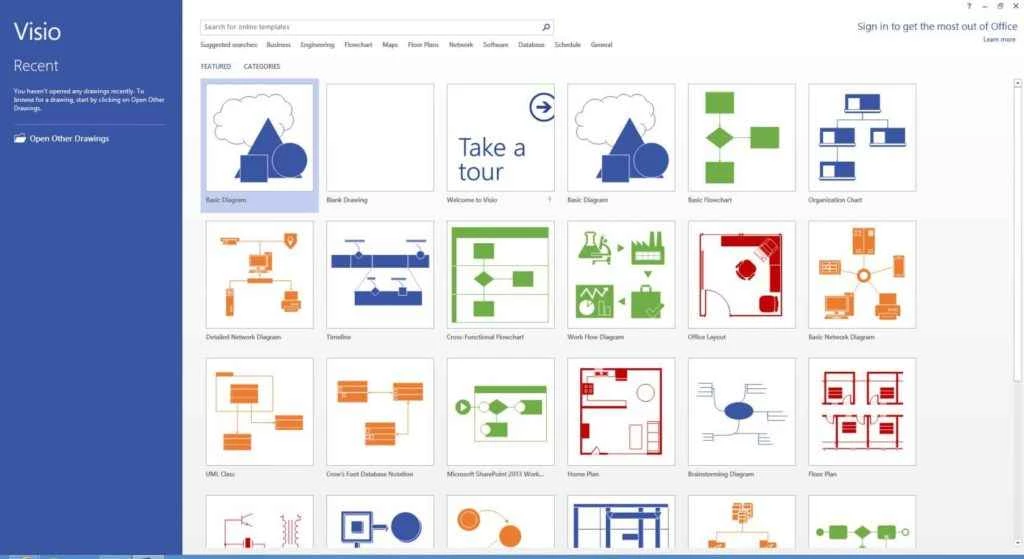
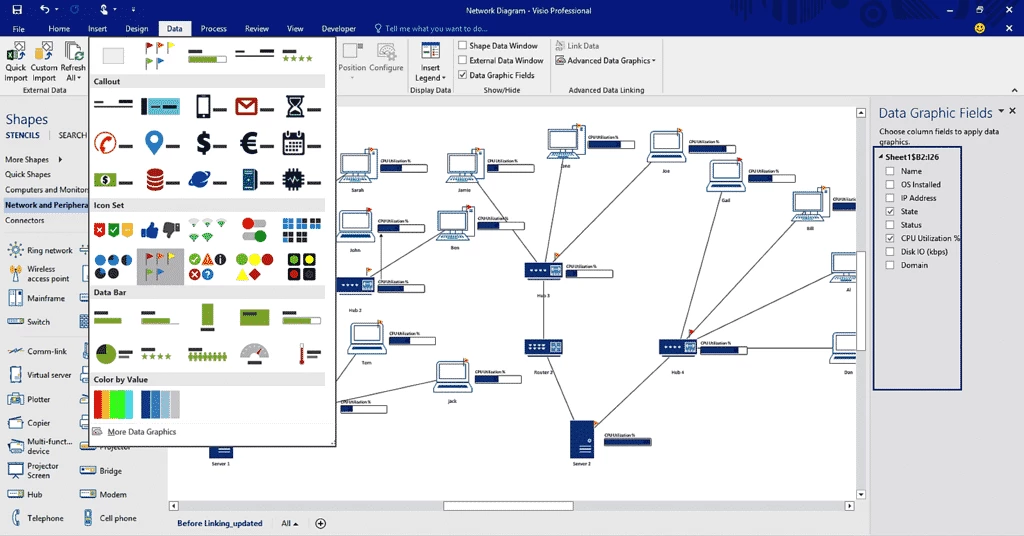
Microsoft Visio is a powerful diagramming tool that offers numerous flowcharts, organization charts, mind maps, UML diagrams, floor plans, network diagrams, and a lot of others. It is integrated with multiple productivity apps such as MS Excel, MS Word, etc, to enable users to import data right from the apps, and use ready-made templates to manage it.
It enables users to use multiple formatting methods, and gives a professional look to their diagrams. It offers a simultaneous workflow to manage your diagram, such as collecting, drawing, and using its dynamic data. It supports multiple cloud services such as SharePoint, OneDrive, etc, to enable users to store their data for later use.
Microsoft Visio, formerly known as Microsoft Office Visio, was released by the former American software company Visio Corporation and was acquired by Microsoft in 2000. The latest version is Visio 2024, which is part of Microsoft 365. It is a diagramming and vector graphics application.
It is the best solution to manage your complex information while using professional and versatile diagrams. The availability of updated shapes, styles, and templates enables users to brainstorm flowcharts, map an IT network, draw a floor plan, and so on.
Download and install the app after purchasing it using the Microsoft Office 365 subscription plans. Launch the app by clicking the icon from your Start menu. You are navigated to the main screen, and start using it while selecting a template according to your required diagram, including flowcharts, network diagrams, organization charts, and so on.
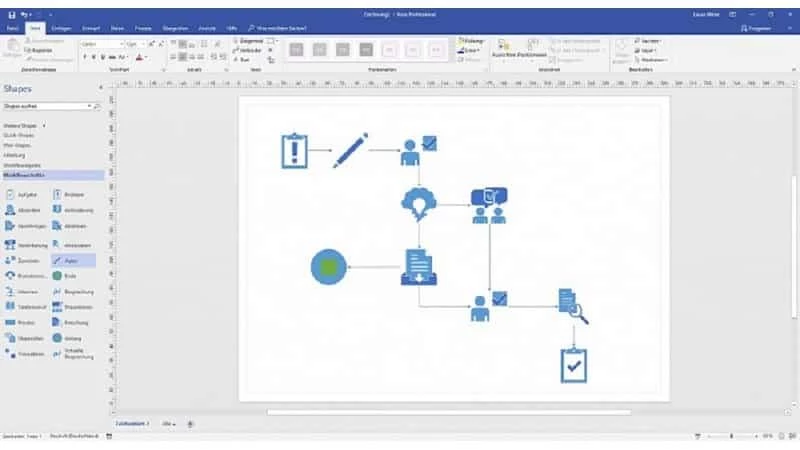
Use the drag & drop option to import shapes from the Shapes pane for your diagram, and connect different shapes, as the software supports an auto-connector between shapes. You are also capable of adding text to your shape by simply double-clicking the shape and typing text. After completing the creation of your diagram, simply click on the “File” and select the “Save As” option to save it. It is also possible to export the diagram to other file formats.
The software requires a specific operating system that has full system requirements to run Microsoft Office 365. So the minimum requirement is Windows 10, as the older versions aren’t capable of running Office 365. Moreover, you have to purchase the latest version of Visio to get full functionality.
The software is equipped with a wide range of templates that come with the objects and menu. You will find different types of templates, such as flowcharts, floor plans, network diagrams, organizational charts, and so on. In case of not satisfied with the available templates, you can use the download page available with multiple other options. However, it also offers a few built-in tools for creating 3D diagrams, and the program is regularly updated with new templates.
You will find huge collection of shapes and styles to create simple as well as complicated diagrams. It minimizes the creation or editing time while offering innovative themes, tools, and other such content. It is also possible to change any existing shape into the diagram you want, use Office Art to format shapes, add a Quick Style to a shape, or even duplicate an entire page, and so on.
You also have the facility of data-sharing capability, as you can link data from multiple innovative resources, such as Excel, SQL Server, or SharePoint, to your diagram in real-time. You only need to make sure the diagrams are continuously updated.
The software offers awesome collaborative tools to co-author diagrams as a team, and creates or edits diagrams simultaneously. The software supports SharePoint and OneDrive for collaborating more reliably. It also allows users to access the diagrams, comment, view, and even comment on diagrams on the web.
The availability of multiple user-friendly drawing tools are available for generating and customizing diagrams. It also offers drag & drop functionality, and supports the new file format, called VSDX by default, for desktop. However, you aren’t capable of saving files in different formats for different uses.
The app offers multiple features such as grids, layers, and snap-to alignment for creating advanced diagrams. You can export multiple documents, as the app offers support for multiple formats, including PDF, PNG, and so on.
Pros
Cons

Microsoft Office 2007 Free Download for PC Windows 7/10/8, 32/64-bit introducing the new versions of Word, Excel, and PowerPoint

Adobe Reader offers quick functionality for viewing and annotating PDF files.

iLovePDF, the quick way of reading, editing, and converting PDF files

Microsoft Office 2010 has multiple editing and visualization features

Microsoft Excel has enhanced and powerful data-analyzing capabilities

Microsoft Office 2019 is a comprehensive suite of productivity apps